see your spending
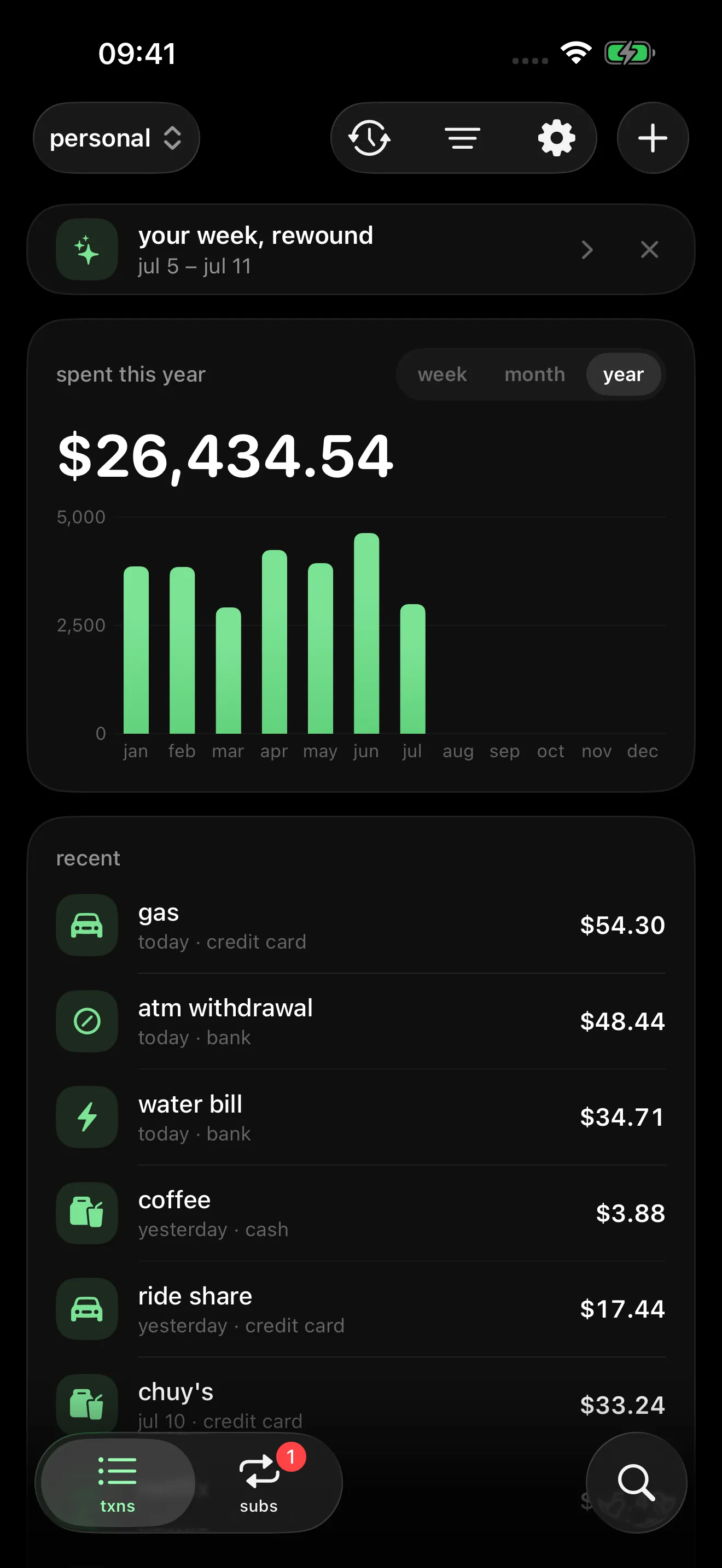
one clear chart of your week, month, or year — tap any bar to see what you spent

track where your money goes
all your data stays yours — on your phone and your own icloud, never shared with anyone
everything you need to know where your money goes — and nothing else
one clear chart of your week, month, or year — tap any bar to see what you spent
amount, name, done. categories are optional
personal, family, business — each profile has its own expenses and currency
tap any expense to see the full story — the original bank text included
when a week, month, or year ends, wimm plays it back as a short story — what you spent, where it went, and what changed. right on your phone.
replay any past week, month, or year — and a gentle sunday nudge when your week is ready
built from the expenses already on your phone. nothing leaves it.
log an expense in seconds — amount, name, done
auto-sync with plaid, bridge, or simplefin — services you set up yourself
then enjoy tracking your money — no hassle
wimm works with the bank connection service you choose. you bring your own keys — your bank login never goes through wimm, because there is no wimm server
use your own plaid keys — connect banks in the usa and uk
use your own bridge keys — connect banks across latin america
paste one setup token — connect banks in the usa
not a promise in a policy — there is simply no server to send your data to
your expenses live on your phone — and sync only through your own icloud, if you want them to. no wimm account, no wimm servers
no analytics, no ads, no trackers — there is nothing to opt out of
the plaid, bridge, or simplefin keys you bring live in your keychain and talk only to that service — end-to-end encrypted when they follow you to a new iphone
wimm syncs through your own icloud — settings, accounts, bank connections, even your connection keys. a new iphone comes back set up and syncing without re-linking a single bank.
it all lives in your private icloud — the part only your apple account can read. wimm has no servers and can never see your data.
messy bank titles become names you know — categorized for you, all on your phone
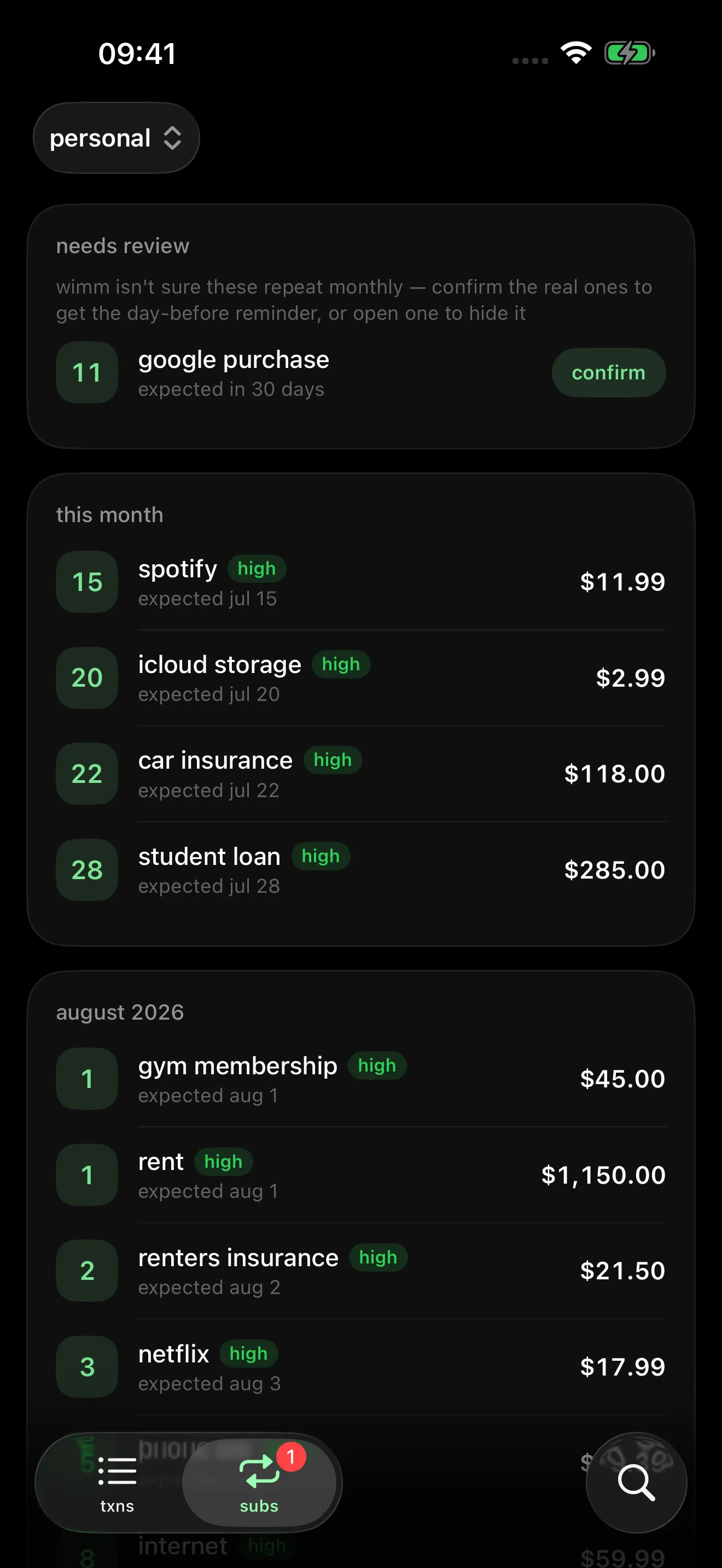
wimm notices charges that repeat every month — netflix, gym, rent — and reminds you the day before each one hits
detected on your device, from your own expenses. nothing leaves it.
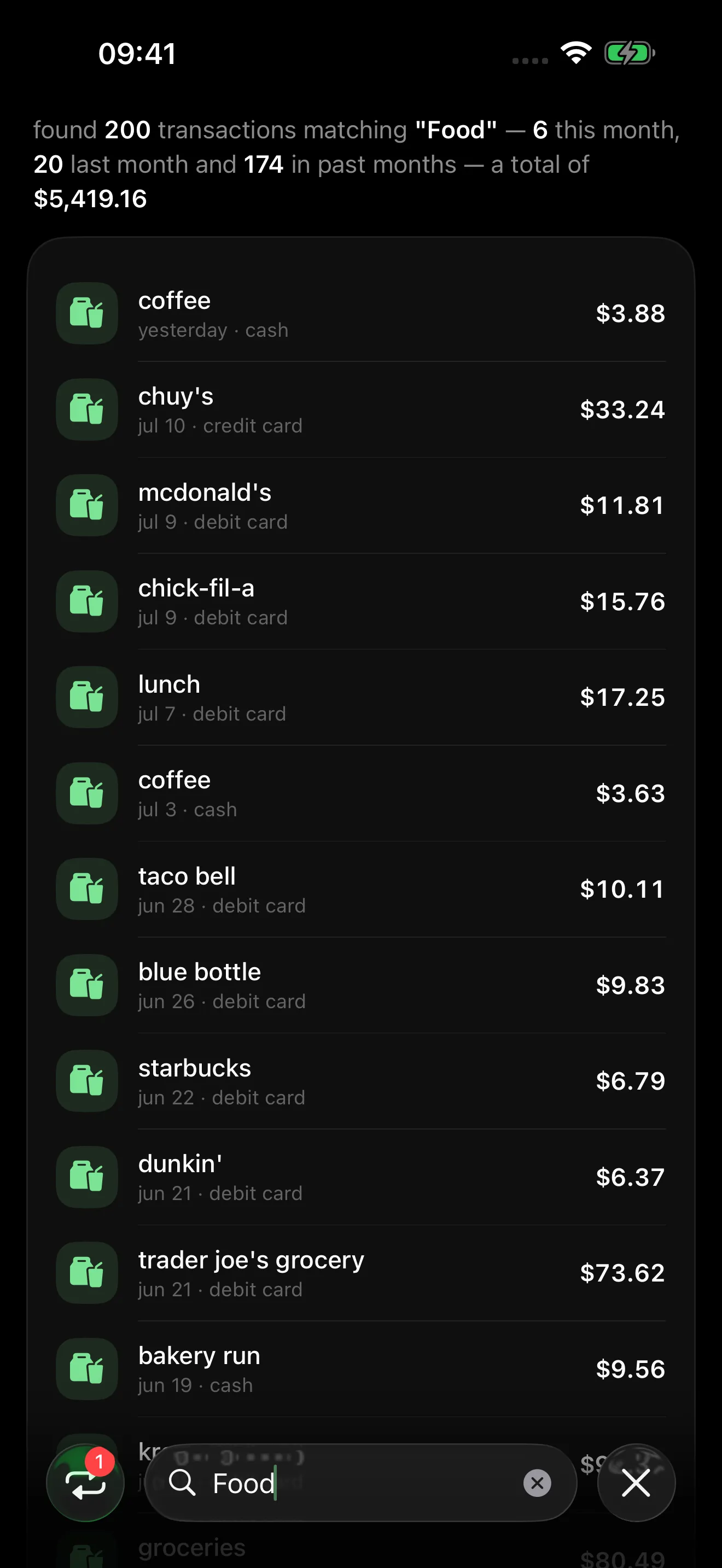
search by name, category, account, or amount — and get the answer in plain words
it even finds the messy bank names — “coffee” finds “CHECKCARD 0512 STARBUCKS”